

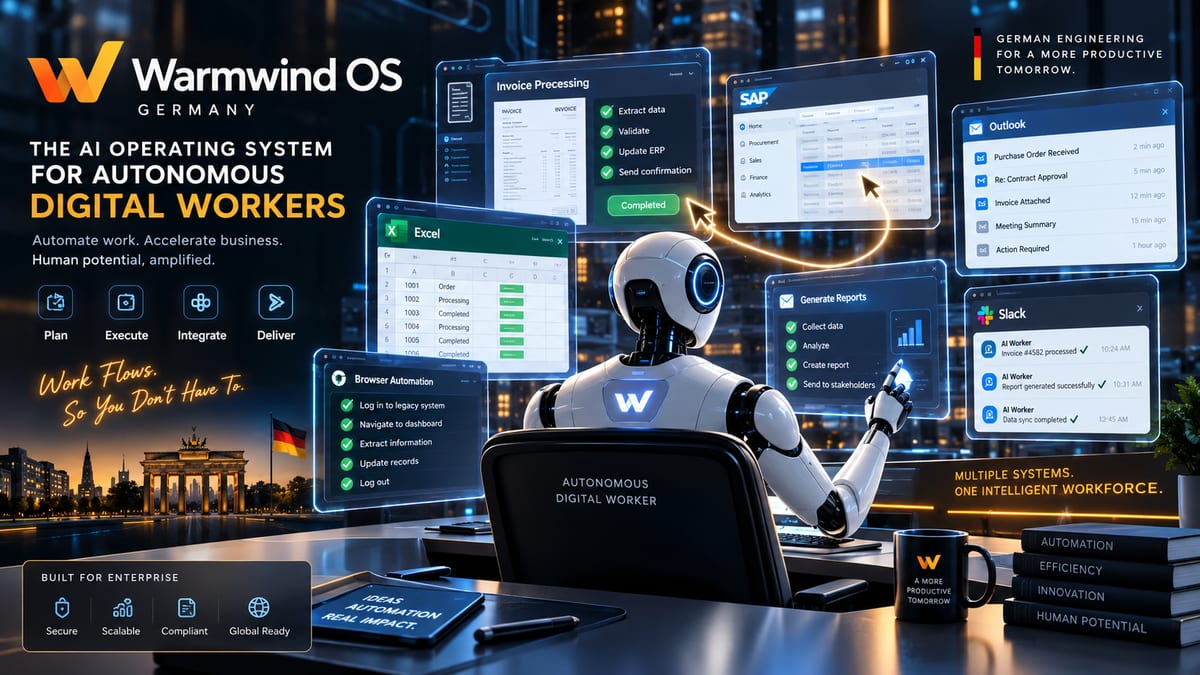
Somewhere in your company right now, a human being is copy-pasting data from one system into another. Maybe it’s invoices moving from an inbox into an ERP system that’s never heard of an API. Maybe it’s a support rep checking five different portals just to answer one customer question. It’s the kind of work nobody was hired to love, and it’s exactly the gap a German startup called Warmwind is betting the next few years on.
Warmwind OS has been making the rounds online, and the name causes more confusion than it clears up. No, it’s not a lightweight Linux distro you install on an old laptop. It’s something stranger and, depending on who you ask, more interesting: a cloud platform where AI “workers” log in and operate your existing software the same way a human employee would — by looking at the screen and moving a mouse.
Here’s what it actually is, how it works, and where it’s genuinely useful.
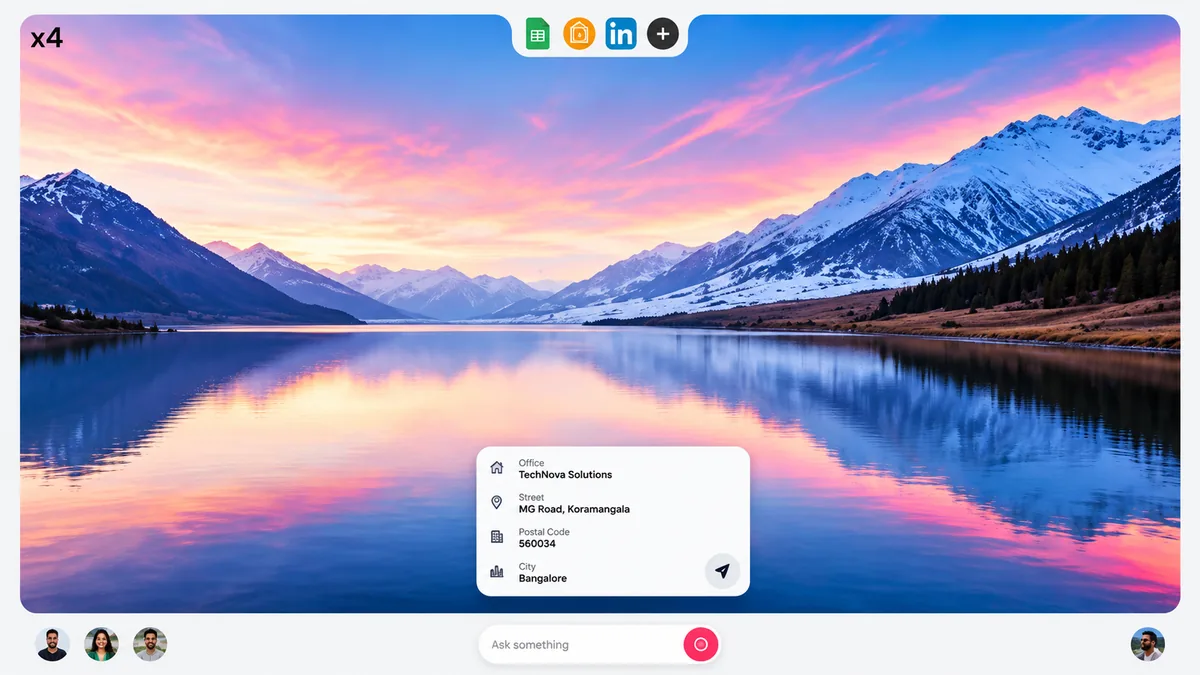
Inside Warmwind OS: The ambient AI desktop interface executing natural language prompts and retrieving enterprise data.
So, What Is Warmwind OS, Exactly?
Warmwind OS is the flagship product of Warmwind AG, a startup based in Jena, Germany that started life in 2022 under the name eva AG (it renamed itself to Warmwind AG in mid-2025). The founders, CEO Maximilian Schilling and co-founder Richard Wieduwilt, spent about three years building the platform before it ever became public.
The pitch: instead of writing code or configuring API integrations to automate office work, you spin up an AI “worker” that runs on its own isolated cloud computer. That worker opens your actual applications, reads what’s on screen, and clicks, types, and navigates through them — invoices, legacy ERP systems, customer portals, spreadsheets — exactly as a person would, just without needing a coffee break.
The company spent a long stretch in closed beta starting in July 2025, building up a waitlist of roughly 12,000 people. By the time it opened to the public on August 26, 2026, that number had grown to nearly 90,000 registrations across more than 30 countries, with the U.S. and the EU each accounting for around 40% of demand. In the two weeks before the public launch alone, the company reported around €450,000 in annualized recurring revenue from early paying customers, and it already counts DAX-listed corporations like Ad-hoc Gruppe among its pilot users.
How an AI “Worker” Actually Gets Things Done
Each Warmwind worker runs on its own dedicated, isolated cloud instance — think of it as a private virtual computer that belongs to that one task or workflow. From there, it interacts with software visually: it doesn’t need a plug-in, an API key, or a developer to wire anything together. If a human could do the task by looking at a screen and using a mouse and keyboard, the worker is designed to attempt it too, which matters most for the kind of clunky, decades-old internal software that will never get a modern API.
The feature doing most of the heavy lifting is what Warmwind calls “teaching mode.” Instead of programming a workflow, you record yourself performing it once — clicking through the steps while narrating what you’re doing — and the worker learns the pattern and repeats it going forward. Once a workflow is set up, it keeps running on schedule even after you’ve closed the browser tab, and companies can run many workers in parallel to scale up capacity without touching their existing software stack.
Under the Hood: There’s a Real OS in Here Somewhere
Despite the cloud-first framing, there’s genuine operating-system engineering behind the product. The backend runs on a custom Linux distribution built specifically for automation workloads, and the visual output is streamed to your browser using Wayland and VNC — similar in spirit to remote desktop software. Warmwind is upfront that the browser window itself isn’t “the app”; it’s just a viewport onto a system that keeps running whether or not you’re watching.
Data processing happens on infrastructure in Germany, and the company has leaned into GDPR compliance as a selling point for European customers who don’t want screen recordings of invoice workflows leaving the EU. To fund the scale-up from beta to full production, Warmwind recently struck a multi-million-euro infrastructure partnership with hosting provider Hetzner, with customer workloads running out of Hetzner’s Falkenstein, Germany data center, while R&D and leadership stay based in Jena. The underlying technology is patented in both Europe and the U.S.
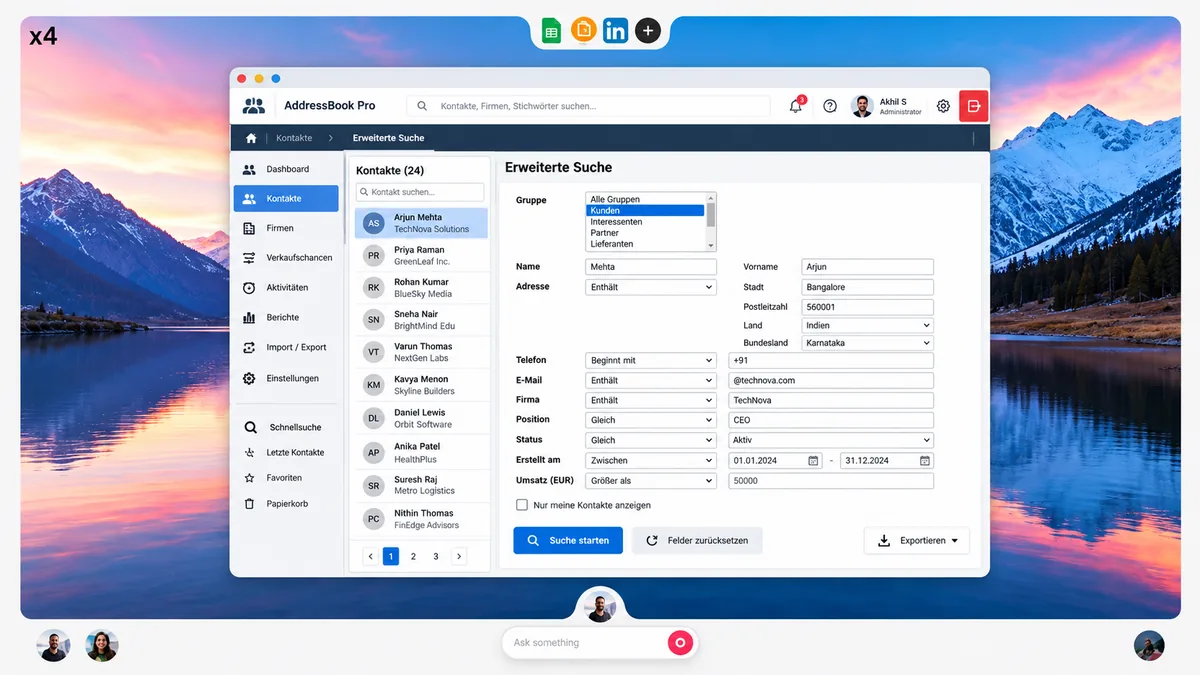
Visual Software Automation: AI workers navigating complex legacy databases, dropdowns, and search filters (AddressBook Pro) without requiring native APIs.
Wait — Is It Actually an “Operating System”?
This is the debate that follows Warmwind everywhere, including from its own team. By the traditional definition — kernel, hardware resource management, device drivers — Warmwind isn’t an OS you’d install the way you would Windows or a Linux distro. You never touch your own hardware; you’re connecting, browser-first, to a remote environment somebody else runs.
But it’s not just a web app either. The logic, the session state, and the automation itself live entirely inside that custom Linux environment on Warmwind’s servers, not in your browser tab — which is a meaningfully different architecture than a typical SaaS tool. Warmwind’s own team has acknowledged the label is partly a branding choice, comparing it to how ChromeOS stretched the definition of “operating system” for the browser era. Whether that stretch is fair is a matter of taste; what’s not in dispute is that it’s a different kind of product than the name might suggest to someone expecting a Windows or macOS alternative.
What People Actually Use It For
The use cases so far skew heavily toward repetitive back-office work rather than anything resembling personal computing:
- Invoice processing and data entry into legacy ERP systems
- Customer support ticket handling across multi-portal dashboards
- Monitoring supplier or competitor portals for price and inventory changes
- Lead generation and outreach automation
- Recruiting workflows and automated candidate screening
- Social media scheduling and multi-account publishing
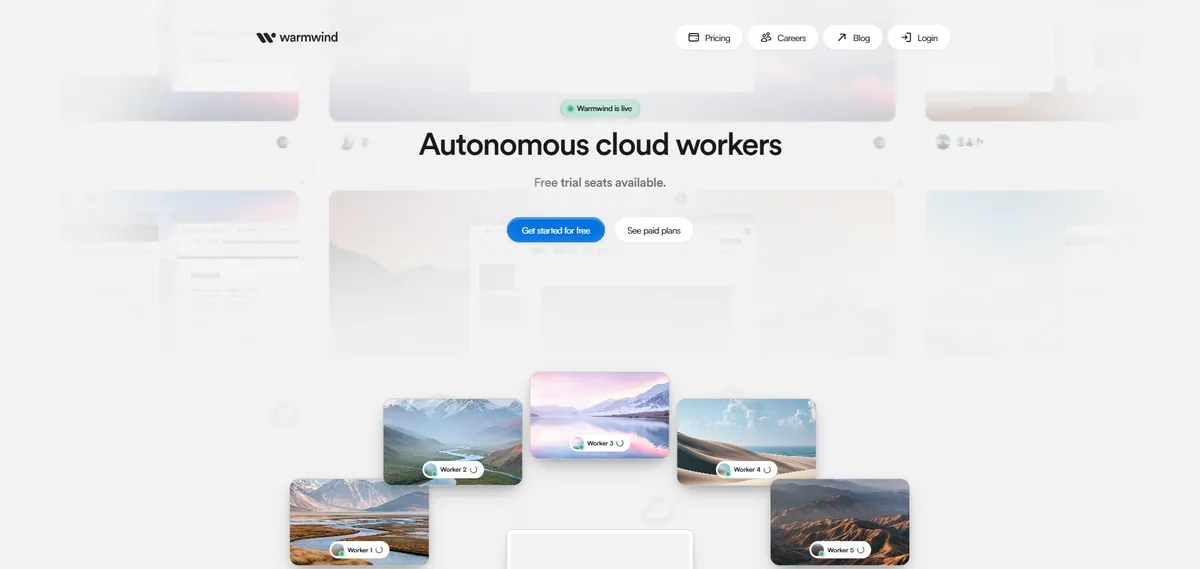
The Warmwind Platform: Multiple dedicated cloud worker instances executing tasks concurrently across enterprise environments.
Warmwind vs. Traditional Automation: How It Stacks Up
| Feature | Warmwind OS | Traditional RPA (UiPath, Power Automate) | DIY AI Agent via API |
|---|---|---|---|
| Setup | No-code, visual, teach-by-recording | Structured selectors, IT project | Developer builds custom harness |
| Needs an API? | No (Visual computer vision) | Sometimes, depending on target app | Depends on implementation |
| Works on legacy UIs | Designed specifically for it | Often brittle on older UIs | Depends on the framework |
| Who hosts it | Warmwind Cloud (Germany / Hetzner) | On-premises or enterprise vendor cloud | Your own infrastructure |
| Scaling | Spin up more parallel workers | Per-bot enterprise licensing | You manage worker scaling |
| Vendor lock-in | Tied to Warmwind platform | Tied to RPA vendor ecosystem | Flexible, but high maintenance |
What It Costs (and the Catch)
Warmwind’s usage-based pricing currently runs somewhere between €1.00 and €1.50 per hour of active worker execution, depending on task complexity and which underlying AI model handles it. There’s no indication of a permanent free tier once the platform is out of beta — this is built and priced as a business tool, not a consumer app. Given how recently it launched, treat any pricing details as a starting point rather than gospel, and check current numbers directly on warmwind.com before budgeting.
Who Should Actually Consider This
Worth a pilot if you’re:
- A small or mid-sized business drowning in repetitive screen work spread across five-plus disconnected apps
- Sitting on legacy internal software with no export/import API and no realistic budget to build one
- An EU-based organization that specifically needs data to stay on European infrastructure under strict GDPR compliance
Probably not the right fit if you’re:
- A developer who wants full control over the automation logic — you’ll likely get more mileage building your own agent with a computer-use API like Claude Computer Use or Browserbase
- Planning to point it at public, bot-defended websites at scale — CAPTCHAs, rate limits, and terms-of-service issues apply to any automation tool
- Expecting something you install locally to replace your laptop’s operating system — that’s simply not what this product is
The honest open question isn’t whether the launch demo looks good — it does. It’s whether “teaching mode” holds up when a legacy app throws an unexpected error dialog, a UI gets redesigned, or a workflow runs unattended for months without anyone checking on it. That’s the kind of reliability that only shows up after real production use.
How to Try It
- Sign up at warmwind.com and spin up your first worker instance.
- Point it at the software you already use — no migration, no rip-and-replace.
- Start with one low-stakes, repetitive task and use teaching mode to record how you’d do it yourself.
- Let it run on a schedule and watch how it handles edge cases before trusting it with anything business-critical.
- Scale to parallel workers only once you trust the first workflow, and check current terms and data-processing agreements if compliance is a concern.
The Verdict
Warmwind OS isn’t the “AI replaces your operating system” story its name suggests, and it isn’t trying to compete with Windows, macOS, or a Linux desktop. What it actually is turns out to be its own, more interesting thing: a managed, no-code way to point AI at the ugly, API-less software your business already runs on, and have it do the clicking so your team doesn’t have to.
For a European SME staring down a pile of manual, repetitive screen work — and no engineering team to automate it properly — that’s a genuinely compelling pitch. For anyone hoping it turns their laptop into an AI-native desktop, it’s the wrong product entirely. As with any newly launched platform, the sensible move is the same one Warmwind itself points to: run a small pilot on your own software before you bet a real workflow on it.

Join the discussion
Sign in with your Google account to post a comment and share your thoughts.